
Build stories
Build the smallest useful business tool and give it room to grow
By USIMEX · October 12, 2026
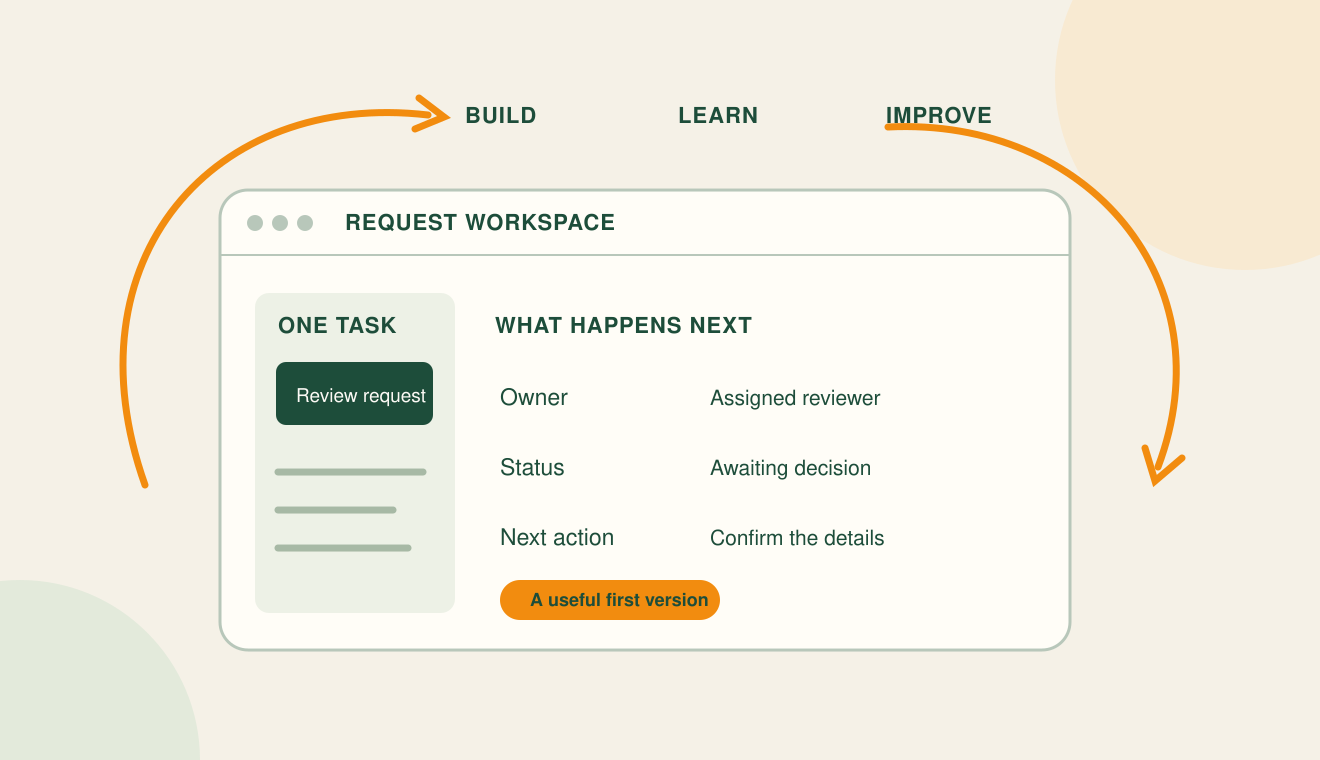
Start a business tool with one task you can describe and test. That first version should let a real user complete the task and give the business a reliable way to handle the result. Add features when actual use shows why they are needed.
Choose one complete journey
Our planning for Paypercha includes public and private challenges, participants, venues, acceptance, scheduling, and results. It is a useful example of how quickly a product idea becomes several connected workflows. These are product design considerations; this article does not claim that every feature has been implemented or validated.
Consider a private challenge arranged at a venue. The complete journey might involve creating the invitation, getting the other participant’s response, requesting the venue, and communicating its decision. Each stage has a different owner. If the first version handles invitations but never resolves venue availability, the journey is incomplete.
Write down the states and decisions
Before designing screens, describe the meaningful states of the request. For a venue request, those might be Draft, Submitted, Confirmed, Declined, and Cancelled. Decide who can move the request between states and what the other people should see when it changes.
A submitted request should be distinguishable from a confirmed booking. Participants should be able to understand what is pending and who must act next. Use language that matches the actual decision, and keep a record of who made it.
Use manual work deliberately
An early version can have a person review requests, coordinate details, or resolve exceptions. Define that work explicitly. Decide where requests appear, how the reviewer records a decision, and what happens if a request sits unanswered.
Manual coordination can help you understand the process before automating it. It also has a cost: someone must monitor the queue and complete the work. A useful first version makes that responsibility visible instead of hiding it behind a polished screen.
Give AI a task you can evaluate
If AI is part of the tool, begin with a narrow responsibility. For example, it might suggest a category for a request or summarize information for a reviewer. Define the correct behavior, what happens when information is missing, and when a person must decide.
OpenAI recommends evaluations tied to the actual task and realistic examples. For a categorization feature, collect representative requests, agree on expected categories, and include ambiguous cases. Review incorrect outputs before widening the AI’s responsibilities. Keep important workflow rules in the application rather than depending on a model to remember them.
Measure the work the tool is meant to improve
Choose a few observations that relate to the task: whether people complete the journey, where they abandon it, how long requests wait for review, and which exceptions need manual intervention. Record a starting point so you have something to compare against after a change.
A new feature deserves investment when you can explain the problem it addresses. That evidence might be repeated user confusion, a recurring manual task, or information missing at a decision point. Keep observations separate from assumptions.
Write your first version in one paragraph
Use this sentence: “This tool helps [person] complete [task]. They provide [information]. [Person or system] reviews it. The tool records [result] and communicates [next step]. We will know it is useful when [observable outcome].”
If the paragraph requires several unrelated tasks, choose one journey first. USIMEX’s create, maintain, and improve approach starts with that focus. A useful first release creates a foundation for learning, and ongoing care gives the tool room to adapt.
Further reading: Official guidance
What would help your business work better?
Tell USIMEX about the task, the people involved, and the outcome you need.
Discuss a Project